Looking for your next big adventure? Download the STAR 8 app now and get access to tons of fun games, exclusive rewards, and amazing promotions. It’s easy to get started and join the play!
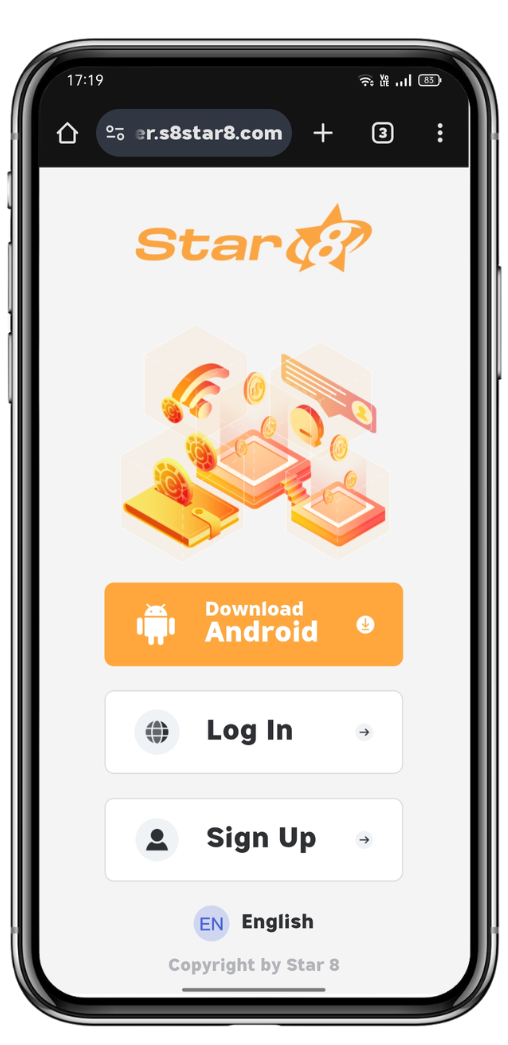
Go to the STAR 8 download page to begin the process.
Look for the "Download Android App" button and click it to start the download.
Once the app is downloaded, hit “Open” and follow the on-screen instructions to complete the installation.
Open Safari on your iOS device and find the share button at the bottom of the screen.
Select "Add to Home Screen" from the menu that appears to create a shortcut.
Confirm the action by tapping "Add" to save the STAR 8 icon on your home screen.
Now, go to your home screen and tap the STAR 8 icon to start exploring all the fun!
Find the STAR 8 app icon on your home screen and tap to open it.
Next, go to the "Me" section located at the bottom of the screen to access your profile settings.
Tap the "Settings" icon at the top-right of your profile page to open the settings menu.
Scroll down and tap on “App Icon” to start personalizing it.
Browse through the icons and choose the one you like most.
Once you’ve picked your icon, hit "Confirm" to apply it.
Your new app icon is now live and will show up on your home screen!

Get the STAR 8 app and enjoy all the games, rewards, and features waiting for you. Just hit the download button and let the fun begin. Your next big win is just a tap away!
Download NowAs a leading international online gaming company, Star8 proudly features world-class game information experts, a helpful and experienced customer service team, and a professional marketing and state-of-the-art technical team. This collaborative effort ensures that our customers, with Star8 at the forefront, can indulge in the ultimate gaming experience within a safe and secure environment. We prioritize the satisfaction and safety of our players through the combined expertise of our dedicated teams